Shopping · Steam

Build Your Own Steam Price History and Price Tracker
The Build Your Own Steam Price History and Price Tracker gets you live Steam data the moment you ask, as clean, structured data – ready for your own app, a spreadsheet or an AI assistant. No scraping, nothing to maintain.
100 free requests every month · no credit card · one API key for all platforms
Key facts
Updated
A Steam price history is nothing more than the current store price, written down again and again. That is exactly what the everydata.io Steam API gives you: one call returns what a game costs right now in the Steam store of the country you choose – price, original price, discount in percent and currency – as plain JSON. Poll your watch list on a schedule, store each answer with a timestamp, and your own Steam price tracker or sale tracker grows with every run. We say it plainly: the API does not hand you years of past prices. It gives you reliable current prices per region, and the history is the table you build from them.
- Platform
- Steam
- Main endpoint
- /steam-lookup-product
- Quota per call
- 1 request
- Free plan
- 100 req / monththen from €30 / month
What the Build Your Own Steam Price History and Price Tracker returns
Steam prices are regional: the same app id can cost a different amount, in a different currency, depending on the store country. The countryCode parameter picks the store: de, at or fr answer in EUR, us in USD; the default is de. So a tracker that follows a game in Germany and the United States makes two calls with two country codes and stores both rows.
The price fields are numbers, not display strings. price is what the store charges today, discountPercentage is Steam's own discount as an integer, and retailPrice is the original price while a discount runs – it is 0 when the game is not discounted. priceFormatted keeps Steam's display text ("9,75€") for your UI. isFree marks free-to-play apps, and comingSoon plus available tell you when a game has no buyable price yet.
- Current price, retailPrice (original price during a discount), discountPercentage and currency per store country
- priceFormatted as Steam displays it, for alerts and UI
- isFree, available and comingSoon, so a missing price is never mistaken for a price of 0
- Lookup by store URL or by app id (productId), e.g. 620 for Portal 2
- Keyword search with 25 results per page, each with price, retailPrice and discountPercentage – one request covers a whole page of games
- Game details in the same call: developers, publishers, genres, release date, platforms, Metacritic score and the review summary
- Store texts in 28 Steam languages via the language parameter (default german)
What teams build with the Build Your Own Steam Price History and Price Tracker
Steam sale tracker and price-drop alerts
Store the last price per game and store country, poll daily and notify users when discountPercentage appears or price falls below the lowest value in your own history.
Steam regional prices side by side
Poll the same app ids with several countryCodes and show what a game costs in each store, in the store's own currency, next to each other.
Price history charts for a game site
Game databases and deal blogs plot their own observations per app id and store country, so every chart is built from prices that were actually collected.
Publisher and market research
Analysts sweep genres or franchises with the search endpoint and measure how often and how deeply publishers discount, together with release dates and the review summary.
Build Your Own Steam Price History and Price Tracker: example request and response
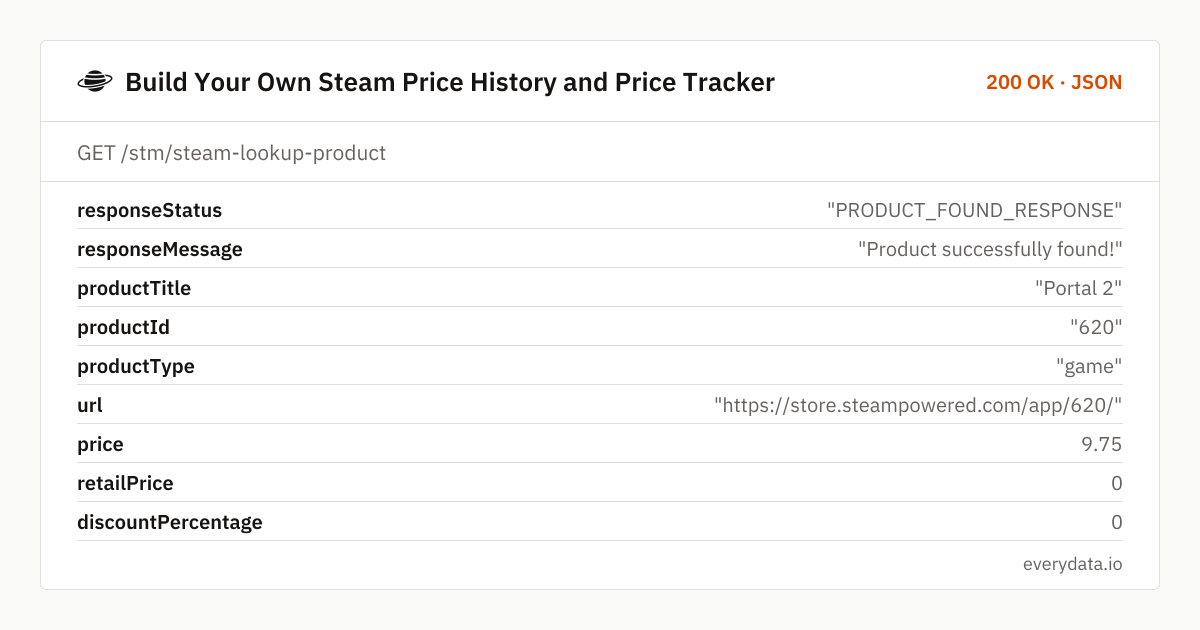
Keep your watch list as app ids plus the store countries you care about, and call GET /stm/steam-lookup-product for each pair. The example asks for Portal 2 (app id 620) in the German store; the response is shortened to the fields a price tracker stores.
GET /stm/steam-lookup-product
curl "https://api.everydata.io/stm/steam-lookup-product?productId=620&countryCode=de" \
  -H "x-api-key: YOUR_API_KEY"
Response (shortened)
{
  "responseStatus": "PRODUCT_FOUND_RESPONSE",
  "responseMessage": "Product successfully found!",
  "productTitle": "Portal 2",
  "productId": "620",
  "productType": "game",
  "url": "https://store.steampowered.com/app/620/",
  "price": 9.75,
  "retailPrice": 0,
  "discountPercentage": 0,
  "currency": "EUR",
  "priceFormatted": "9,75€",
  "isFree": false,
  "available": true,
  "comingSoon": false,
  "positiveReviewPercent": 99,
  "countReview": 467111
}
Building the history: write one row per poll with observedAt, productId, countryCode, price, retailPrice, discountPercentage and currency, and index it on (productId, countryCode, observedAt). From that table you get the lowest price you have seen, the current discount against your own 90-day low, and the dates when a sale started and ended (discountPercentage moves from 0 to a value and back). Keep the raw JSON if you want to add fields later.
Watching many games at once: GET /stm/steam-search-by-keyword returns 25 results per page with price, retailPrice and discountPercentage on every tile, sorted by relevance, price-asc, price-desc, newest, name-asc or reviews. A search for "portal" in the German store found 3,301 results. For a franchise or a genre, a few search pages per day are cheaper than one lookup per game; use the lookup for the games you really follow.
Errors you should handle: an unknown or region-locked app id answers 404 – mark it as unavailable in that store rather than storing a price. If Steam does not answer, you get a 502 or 503 that is not billed; retry on your next cycle.
Related endpoints
App details. One game or app by store link or app id: price and discount, release date, developers, publishers, genres, features, platforms, languages, Metacritic score, review summary, images and DLC.
Search the store. 25 games, DLC, soundtracks or bundles per page with price, original price, discount, release date, platforms and review summary; sorted by relevance, price, release date, name or reviews.
Build Your Own Steam Price History and Price Tracker pricing: pay per request
Every lookup and every search page is one request. Tracking 150 games once a day in one store country is about 4,500 requests a month and fits the Starter plan (5,000 requests, €30); the same list in two countries needs about 9,000 and fits Production (50,000, €80). The free plan's 100 requests a month are enough to test a small watch list. Steam-side failures (502/503) are never billed.
- Free
- 100 req / month
- Starter
- 5,000 req · €30
- Production
- 50,000 req · €80
- Business
- 300,000 req · €300
Build Your Own Steam Price History and Price Tracker: frequently asked questions
Does the API return a Steam price history?
No. It returns the current price, original price and discount at the moment you call it. Your price history is the table of those answers that you store; the How-it-works section above describes a minimal schema.
Can I get prices for different countries and currencies?
Yes. Set countryCode to the two-letter store country: de, at or fr return EUR, us returns USD, and the currency field tells you which currency every answer is in. The default is de.
Why is retailPrice 0?
retailPrice is the original price while a discount runs. When the game is not discounted, price is the regular price, retailPrice is 0 and discountPercentage is 0.
How do I find the app id of a game?
It is the number in the store URL, e.g. 620 in https://store.steampowered.com/app/620/Portal_2/. You can also pass the full store URL as url, or search by name with /stm/steam-search-by-keyword, which returns productId for every result.
How often should I poll?
As often as your rate limit allows – 10 requests per minute on the free plan, up to 250 on Business. For a price history, one or two polls a day per game and store country are usually enough; poll more often during a sale you want to follow closely.
Is this the official Steam Web API?
No. everydata.io reads the public data of the Steam store, the same data every visitor sees, and returns it in a fixed JSON format. It does not access Steam accounts, libraries or user data.
Related use cases


Start your Steam price history today
Create a free account, copy your API key and fetch your first Steam price in a minute. Store the answer, and your history begins.